Shopify Marketing Costs Explained for Beginners
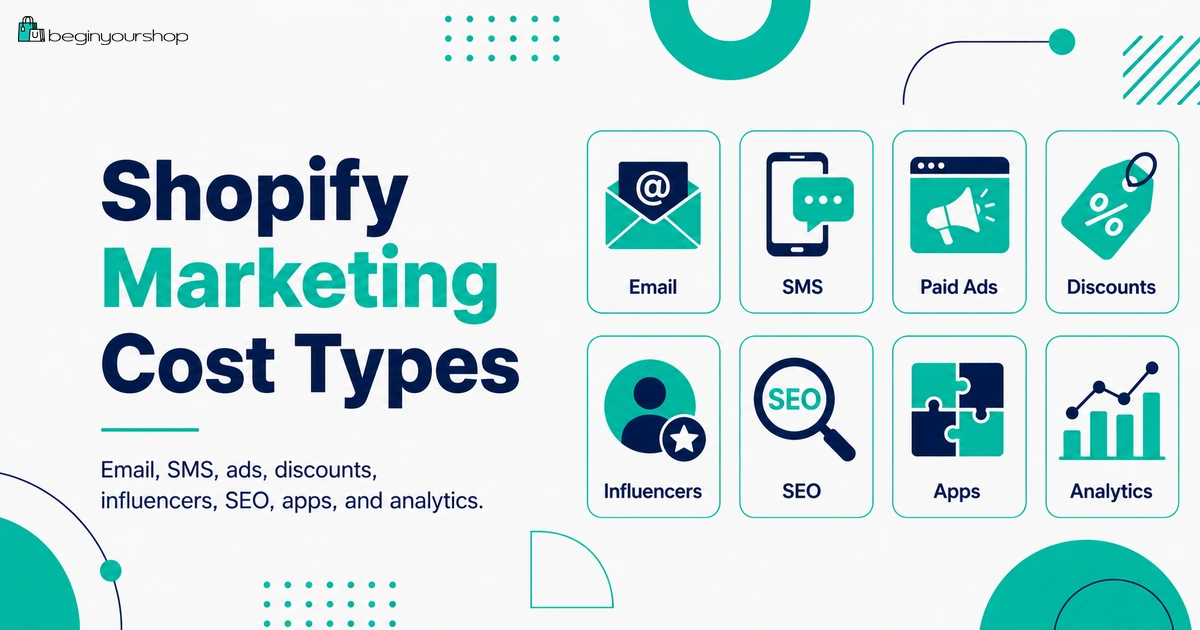
Shopify marketing costs can include more than paid ads. Beginners need to think about email marketing, SMS, discounts, influencer commissions, affiliate payouts, creative production, apps, ad budgets, analytics tools, SEO content, abandoned checkout recovery, and the time required to test and improve campaigns.
This beginner-friendly article explains Shopify marketing costs, what is built into Shopify, what can cost extra, how Shopify Messaging email pricing works, how paid ads and affiliate commissions should be budgeted, and how beginners can start marketing without wasting money too early.
Many beginners think the cost of starting a Shopify store is mostly the Shopify plan, domain, theme, apps, shipping, taxes, and payment fees. Those costs matter, but they do not bring customers by themselves.
Marketing is the cost of getting the right people to discover, trust, revisit, and buy from your store. It can be paid or unpaid. It can involve ads, email, SEO, content, social media, influencers, affiliate commissions, discounts, photography, product videos, landing pages, analytics, and customer retention.
The mistake beginners often make is thinking marketing means one thing: running ads. Paid ads can work, but they are only one part of the picture. A Shopify store also needs product pages that convert, clear messaging, trust signals, email capture, follow-up flows, content, and a way to measure what is working.
This guide explains Shopify marketing costs from a beginner’s perspective so you can plan a realistic budget and avoid spending money before your store is ready.
Last checked: October 2, 2026. Shopify Messaging email pricing, marketing automation features, campaign tracking, Shopify Audiences, Shopify Collabs, ad platform costs, app pricing, and reporting features can change. Always confirm current pricing and feature details in Shopify’s official Help Center, your Shopify admin, and the relevant ad or marketing platform before launching campaigns.

Quick Answer
Shopify marketing costs can include email marketing, SMS, paid ads, influencer gifts, affiliate commissions, discounts, creative production, SEO content, marketing apps, analytics tools, and your time. Shopify includes built-in campaign, automation, discount, and reporting tools, and Shopify Messaging currently includes a monthly free email allowance on eligible plans, with additional email costs billed to your Shopify bill. Beginners should usually start with low-cost organic content, email capture, basic automations, and small test budgets before scaling paid ads.
Marketing is not only ads
Email, SEO, content, social, discounts, referrals, reviews, and retention all affect acquisition cost.
Best beginner rule
Do not spend heavily on ads until product pages, checkout, shipping, and trust signals are ready.
Measure first
Use UTMs, campaign tracking, and reports so you know which traffic actually creates sales.
What Shopify Marketing Costs Mean
Marketing cost is the money, time, and margin you spend to attract and retain customers.
Some marketing costs are obvious, such as paying for Google Ads or Meta ads. Others are less obvious, such as giving a discount code, sending a free product to a creator, paying for product photography, hiring a writer, using a popup app, or spending hours making short-form videos.
Marketing costs can be:
- Direct cash costs: ad spend, app subscriptions, email charges, SMS charges, creator payments, agency fees.
- Margin costs: discounts, free shipping promotions, free gifts, samples, affiliate commissions.
- Production costs: photography, video, copywriting, design, landing pages, editing, product samples.
- Operational costs: campaign setup, customer segmentation, analytics review, testing, reporting, and management time.
- Opportunity costs: time spent on a channel that does not fit your product or customer.
For a new Shopify store, marketing cost should be controlled and measured. The goal is not to spend the most. The goal is to learn which message, product, offer, and channel can profitably attract customers.
Main Shopify Marketing Cost Types
The table below shows the main cost categories beginners should consider.
| Cost type | What it includes | Beginner note |
|---|---|---|
| Email marketing | Shopify Messaging emails, email templates, automations, list growth, and possible extra email charges. | Usually one of the best early retention channels. |
| SMS marketing | SMS campaigns, automations, opt-in tools, and message charges. | Can be powerful but requires consent and careful cost control. |
| Paid ads | Google, Meta, TikTok, Pinterest, YouTube, or other platform ad spend. | Easy to overspend before product pages are ready. |
| Creative production | Photos, videos, graphics, copywriting, UGC, landing pages, and editing. | Creative quality often affects ad performance more than beginners expect. |
| Discounts and promotions | Discount codes, automatic discounts, free shipping, bundles, and sale pricing. | Discounts reduce margin even if they feel free. |
| Influencers and affiliates | Product gifts, commission payouts, creator fees, affiliate tracking, and samples. | Can be lower upfront cost than ads, but still needs tracking. |
| SEO and content | Blog posts, guides, collection content, product copy, keyword research, and internal links. | Slow but valuable if your niche has search demand. |
| Marketing apps | Popup, review, referral, loyalty, affiliate, email, SMS, upsell, and analytics apps. | Several small apps can quietly become expensive. |
| Analytics and tracking | UTM tracking, dashboards, reporting tools, pixels, conversion tracking, and attribution tools. | You need enough tracking to avoid blind spending. |
Beginners should not use every channel at once. Choose one or two acquisition channels and one retention channel first.
What Shopify Gives You Built In
Shopify includes several marketing-related tools in the admin, though exact availability can depend on your plan, region, installed apps, and current Shopify features.
Built-in or Shopify-supported marketing areas can include:
- Campaign organization and tracking
- Marketing automations
- Shopify Messaging email campaigns and automations
- Discount codes
- Automatic discounts
- Customer segments
- Analytics dashboards
- Marketing reports
- UTM-based tracking
- Abandoned checkout recovery features
- Connections to marketing apps and channels
Shopify’s Marketing section can help you create, manage, and measure campaigns and automations. Shopify marketing reports can also help you understand what leads shoppers to your store and what converts them into paying customers.
Beginner takeaway
Before paying for several marketing apps, check what Shopify already provides. Many beginners can start with Shopify’s built-in discounts, email tools, basic automations, and reporting before adding paid software.
Shopify Messaging Email Costs
Email marketing is often one of the most practical early marketing channels because it helps you follow up with visitors and customers you already have.
Shopify Messaging, formerly known as Shopify Email, lets merchants create and send email campaigns and automations from Shopify. Shopify’s current pricing documentation says eligible stores receive 10,000 free emails each calendar month, and additional email costs are added to the Shopify bill as marketing emails.
Email marketing costs can include:
- Email platform charges
- Additional email send charges after the free allowance
- Template design
- Copywriting
- List-building tools
- Popup or form apps
- Segmentation work
- Testing subject lines and offers
Email automations to consider early
- Welcome email
- Abandoned checkout recovery
- Post-purchase thank-you email
- Product education follow-up
- Review request
- Win-back email for inactive customers
Do not send emails just to fill a calendar. Send useful messages that help customers decide, return, or buy again.
SMS Marketing Costs
SMS can be effective because messages are direct, but it can also be expensive and sensitive. Customers expect SMS messages to be relevant and permission-based.
If you use SMS, review the platform’s pricing, message credits, country-specific rates, consent requirements, opt-out handling, and compliance rules.
SMS costs can include:
- Monthly app subscription
- Per-message charges
- Country-specific SMS rates
- Keyword or phone number fees
- Opt-in tools
- Compliance and consent management
- Copywriting and automation setup
When beginners should delay SMS
Many beginners should delay SMS until they have:
- A clear customer consent process
- Enough traffic or customers to justify the tool
- A strong reason to send time-sensitive messages
- A plan to avoid over-messaging
- A clear understanding of pricing and compliance
Email is often a safer and more cost-controlled starting point than SMS for a new store.
Paid Advertising Costs
Paid ads can bring traffic faster than SEO or organic social, but they can also burn money quickly if the store is not ready.
Paid ad costs can include:
- Daily ad budget
- Campaign testing budget
- Creative production
- Landing page design
- Copywriting
- Ad account setup
- Conversion tracking setup
- Agency or freelancer fees
- Product samples for content
- Discounts used in ads
Paid ads are risky if:
- Your product page is weak.
- Your product images are poor.
- Your offer is unclear.
- Shipping costs surprise customers at checkout.
- Your store lacks trust signals.
- You have no conversion tracking.
- You do not know your gross margin.
- You cannot afford testing losses.
Beginner paid ads rule
Do not scale paid ads until you know your gross margin, conversion rate, average order value, and acceptable customer acquisition cost.
At the beginning, paid ads should be used for controlled testing, not emotional spending.
Creative Production Costs
Creative is often the hidden cost behind marketing. Ads, product pages, email campaigns, and social posts all need photos, videos, graphics, copy, and product demonstrations.
Creative production can include:
- Product photography
- Lifestyle photography
- Short-form videos
- UGC-style videos
- Product demos
- Before-and-after visuals
- Graphics and banners
- Email images
- Landing page copy
- Ad copy
- Editing tools
- Creator fees
Beginner creative strategy
Start with a small set of useful assets:
- Clear product photos on a simple background
- Product-in-use photos
- One or two short product videos
- A clear value proposition
- FAQ answers for common objections
- Social proof if available
Good creative does not always require expensive production. It does require clarity, consistency, and product relevance.
Discounts and Promotions
Discounts are marketing costs because they reduce margin. A discount does not show up as an app charge or ad spend, but it still has a real cost.
Shopify lets you create discount codes and automatic discounts. Shopify’s discount documentation explains that discount codes are entered by customers at checkout, while automatic discounts apply when a customer’s cart meets the requirements.
Promotion costs can include:
- Percentage discounts
- Fixed amount discounts
- Free shipping discounts
- Buy X get Y promotions
- Bundles
- Free gifts
- Samples
- Store credit
- Loyalty rewards
Discount risk
Discounts can train customers to wait for sales, reduce gross margin, and hide weak positioning. Use discounts deliberately.
Before offering a discount, calculate:
- Product price
- Cost of goods
- Payment fees
- Shipping cost
- Packaging cost
- Return risk
- Marketing cost
- Remaining profit after discount
A discount that increases sales but destroys margin is not a win.
Influencers, Affiliates, and Shopify Collabs
Influencer and affiliate marketing can be attractive for beginners because it can reduce upfront ad spend. Instead of paying only for impressions or clicks, you might pay creators through gifts, flat fees, or commissions.
Shopify Collabs helps merchants recruit and manage creators, send gifts or discount codes, track affiliate sales, and pay affiliates. Shopify Collabs programs can let creators promote products using affiliate links and earn commissions.
Influencer and affiliate costs can include:
- Free product samples
- Shipping products to creators
- Flat creator fees
- Affiliate commissions
- Discount codes
- Commission tracking software
- Creative rights or usage fees
- Management time
- Returns or fraud review
Good beginner use cases
- Sending products to small creators in a specific niche
- Testing affiliate commissions with low upfront cost
- Using creator content to improve product pages or ads
- Recruiting brand fans who already understand the product
Warning
Do not pay large creator fees before you understand the creator’s audience, content quality, engagement, usage rights, and tracking method.
SEO and Content Marketing Costs
SEO and content marketing can bring long-term traffic, but they usually take time. A blog post or guide does not automatically rank just because it is published.
SEO and content costs can include:
- Keyword research
- Product page copywriting
- Collection page content
- Blog articles
- Buying guides
- Comparison articles
- Internal linking
- Technical SEO review
- Image optimization
- Backlink outreach
- Content updates
SEO is a good fit when:
- Your products have search demand.
- Customers research before buying.
- You can publish useful guides and comparisons.
- You are willing to wait for results.
- You can maintain content over time.
SEO is not free
Even if you do not pay for clicks, SEO costs time, writing, editing, research, product photography, internal linking, and maintenance. It is often slower than paid ads, but it can reduce long-term dependency on ad spend.
Marketing App Costs
Marketing apps can help, but they can also increase monthly expenses quickly.
Common marketing app categories
- Email marketing apps
- SMS marketing apps
- Popup and form apps
- Review apps
- Loyalty apps
- Referral apps
- Affiliate apps
- Upsell and cross-sell apps
- Landing page builders
- SEO apps
- Analytics apps
- Customer segmentation apps
Apps to delay until you have traffic or sales
- Advanced A/B testing tools
- Heatmap tools
- Complex personalization apps
- Advanced loyalty programs
- Multiple popup tools
- Advanced referral software
- Expensive analytics dashboards
App decision rule
Install a marketing app only if it clearly supports one of these:
- Getting qualified traffic
- Capturing leads
- Improving conversion
- Increasing average order value
- Increasing repeat purchase
- Improving tracking
- Saving meaningful operational time
If the app only makes the store feel more advanced, delay it.
Tracking and Analytics Costs
Marketing without tracking becomes guesswork. Shopify includes analytics and marketing reports that help you understand traffic and sales attributed to marketing activities.
Shopify marketing reports can use campaigns and activities managed in Shopify, as well as external marketing efforts that use UTM parameters. Shopify Campaigns can also help you organize and track multichannel efforts toward a specific goal.
Tracking tools can include:
- Shopify analytics
- Shopify marketing reports
- UTM parameters
- Google Analytics
- Ad platform pixels
- Conversion API or server-side tracking tools
- Email campaign analytics
- Affiliate tracking
- Call tracking or QR codes where relevant
Metrics beginners should track
- Sessions
- Traffic source
- Email subscribers
- Conversion rate
- Average order value
- Gross margin
- Customer acquisition cost
- Return on ad spend
- Abandoned checkout rate
- Repeat purchase rate
You do not need a complex dashboard on day one. You do need enough tracking to know whether marketing spend creates profitable orders.
Beginner Marketing Budget
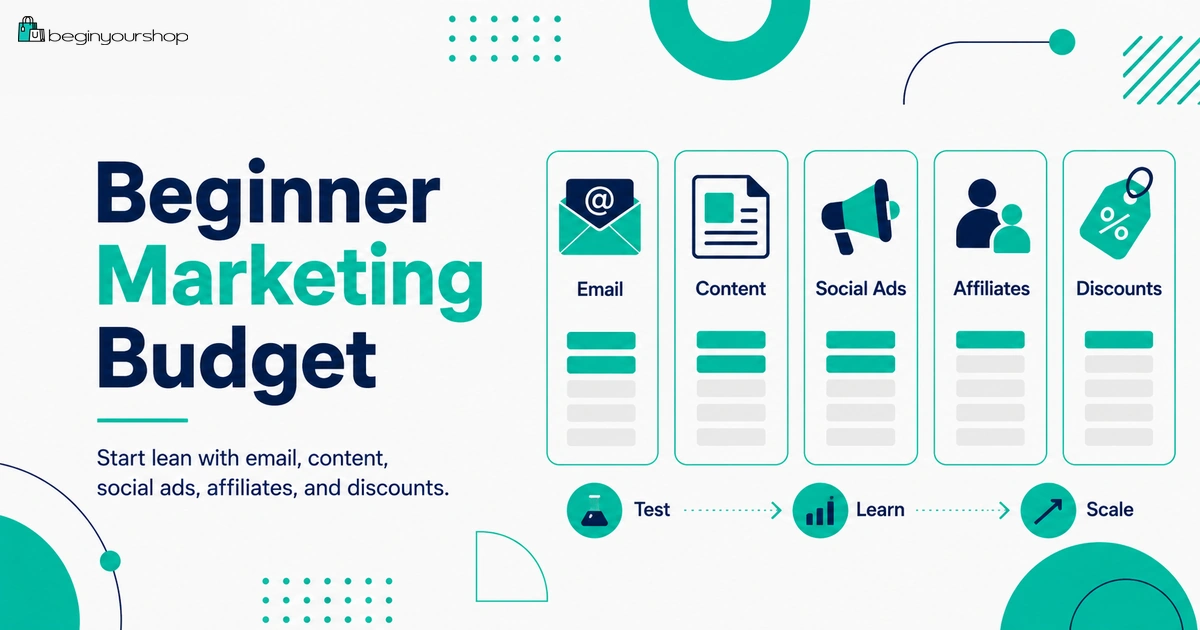
There is no single correct marketing budget for every Shopify store. A product with high margins, strong visuals, and high search demand needs a different budget from a low-margin product with complex shipping.
Beginner budget principle
Start with a learning budget, not a scaling budget. Early marketing spend should answer questions:
- Which audience responds?
- Which message gets clicks?
- Which product page converts?
- Which offer is clear?
- Which creative works?
- Which traffic source produces buyers, not just visitors?
Low-cost beginner marketing stack
| Marketing area | Beginner approach | Cost control tip |
|---|---|---|
| Use Shopify Messaging and basic automations. | Stay within free allowance when possible and monitor additional email costs. | |
| Content | Create product education, FAQs, buying guides, and comparison content. | Focus on content that answers real customer questions. |
| Social | Post product demos, use cases, founder content, and behind-the-scenes content. | Repurpose one product shoot into many posts. |
| Ads | Run small controlled tests only after store readiness checks. | Set daily limits and stop tests that have no signal. |
| Affiliates | Test commission-based creator partnerships. | Track links and discount codes carefully. |
| Discounts | Use targeted offers, not constant storewide discounts. | Calculate profit after discount before launch. |
What to do before spending on ads
- Add real product photos.
- Improve product descriptions.
- Set clear shipping rates.
- Write policies and contact information.
- Test checkout.
- Create at least one email capture method.
- Set up basic analytics and campaign tracking.
- Know your gross margin.
Which Marketing Channels Should Beginners Prioritize?
For most beginners, the best sequence is not “run ads immediately.” A more practical order is:
1. Store readiness
Before traffic, make sure product pages, shipping, checkout, policies, mobile layout, and contact details are ready.
2. Email capture and basic automations
Capture subscribers and set up simple automations such as welcome, abandoned checkout, and post-purchase follow-up.
3. Organic content and social proof
Create content that explains the product, answers questions, and builds trust.
4. Small paid tests
Use small ad budgets to test audiences, products, creative, and landing pages.
5. Retention and repeat purchase
Once customers buy, build email, review, product education, and repeat purchase campaigns.
This order reduces waste because paid traffic is more valuable when the store can convert and follow up.
Marketing Cost Checklist
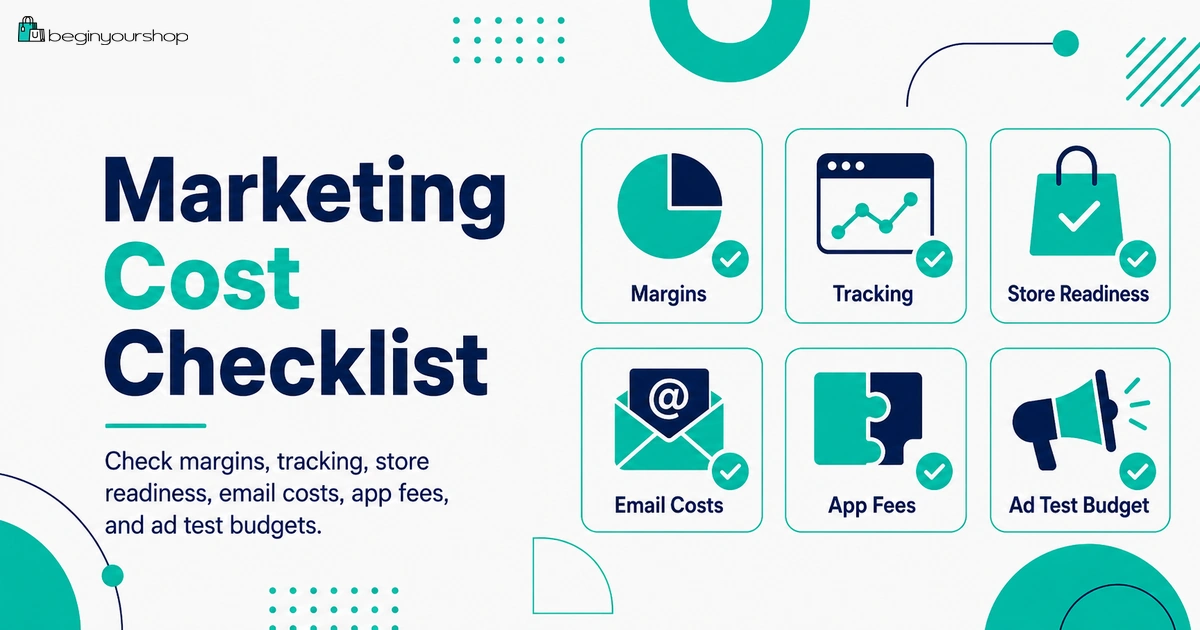
Use this checklist before spending serious money on marketing.
| Question | Ready? |
|---|---|
| I know my gross margin after product cost, payment fees, shipping, packaging, and expected discounts. | Yes / No |
| My product pages are clear enough for cold visitors. | Yes / No |
| My shipping rates and delivery expectations are clear. | Yes / No |
| I have a contact page, policies, and trust signals. | Yes / No |
| I have basic email capture and at least one follow-up automation. | Yes / No |
| I understand Shopify Messaging email pricing and any extra email costs. | Yes / No |
| I know whether any SMS, popup, review, affiliate, or marketing app has recurring or usage-based fees. | Yes / No |
| I set up tracking, UTMs, pixels, or reports before running paid campaigns. | Yes / No |
| I calculated the real cost of discounts, free shipping, or creator commissions. | Yes / No |
| I have a small test budget and clear stop rules before scaling ads. | Yes / No |
Common Shopify Marketing Cost Mistakes
Mistake 1: Spending on ads before the store is ready
Paid traffic exposes store problems quickly. Fix product pages, checkout, shipping, policies, and mobile layout first.
Mistake 2: Treating discounts as free marketing
Discounts reduce margin. Always calculate profit after discount, payment fees, shipping, and packaging.
Mistake 3: Installing too many marketing apps
Popup, review, loyalty, referral, upsell, SMS, and analytics apps can quickly raise monthly costs.
Mistake 4: Ignoring email capture
If visitors leave without buying and you have no email capture, you lose the chance to follow up.
Mistake 5: Running ads without tracking
Without UTMs, pixels, campaign reports, and conversion tracking, you might not know which traffic creates sales.
Mistake 6: Overpaying influencers too early
Start with smaller creators, tracked links, commission structures, product seeding, and clear usage rights.
Mistake 7: Expecting SEO to work instantly
SEO can be valuable, but it takes time, consistency, and useful content.
Mistake 8: Scaling before learning
Early marketing should be about learning. Scale only after you see repeatable profitable signals.
FAQ
How much does Shopify marketing cost?
Shopify marketing cost depends on your channels. It can include email charges, SMS fees, ad spend, creative production, influencer gifts, affiliate commissions, discounts, marketing apps, SEO content, and analytics tools.
Does Shopify include marketing tools?
Yes. Shopify includes marketing-related tools such as campaigns, automations, discounts, customer segments, analytics, marketing reports, and Shopify Messaging email features, although availability and pricing can vary.
Is Shopify Messaging email free?
Shopify Messaging currently includes a monthly free email allowance for eligible stores, and additional email costs are added to your Shopify bill as marketing emails. Check Shopify’s current pricing page before sending large campaigns.
Should beginners run ads immediately?
Usually no. Beginners should first make sure product pages, checkout, shipping, policies, email capture, and tracking are ready. Then use small test budgets before scaling.
Are discounts a marketing cost?
Yes. Discounts reduce margin, even though they are not a direct cash expense like ads or apps.
Do I need marketing apps?
Not always. Start with Shopify’s built-in tools when possible. Add marketing apps only when they solve a real problem, improve tracking, increase revenue, or save meaningful time.
What is a good first marketing channel for a Shopify store?
It depends on your product. Many beginners should start with email capture, useful content, organic social, and one controlled acquisition channel such as SEO, Pinterest, TikTok, Meta ads, Google Ads, or creator partnerships.
How do I know if ads are profitable?
Track gross margin, ad spend, conversion rate, average order value, payment fees, shipping cost, return rate, and customer acquisition cost. Do not judge only by clicks or traffic.
Is influencer marketing cheaper than ads?
It can be, but not always. You still need to account for product samples, shipping, creator fees, commissions, discounts, tracking tools, and management time.
What should I do before increasing my marketing budget?
Confirm that your store converts, your tracking works, your offer is clear, your shipping costs are understood, your gross margin supports the channel, and your first tests show repeatable positive signals.
Final Thoughts
Shopify marketing costs are not limited to ads. They include email, SMS, content, creative, discounts, affiliate commissions, influencer work, apps, analytics, and the time required to test and improve campaigns.
For beginners, the smartest approach is to start lean. Use Shopify’s built-in tools where possible, set up email capture and basic automations, publish useful content, test one or two traffic channels, and measure everything carefully.
Do not spend heavily until your store is ready and your numbers make sense. A strong marketing budget is not just money allocated to traffic. It is a controlled system for learning what brings profitable customers to your store.
Next recommended guide: Shopify Pricing Explained