Shopify Free Trial vs $1/month: What’s the Difference?
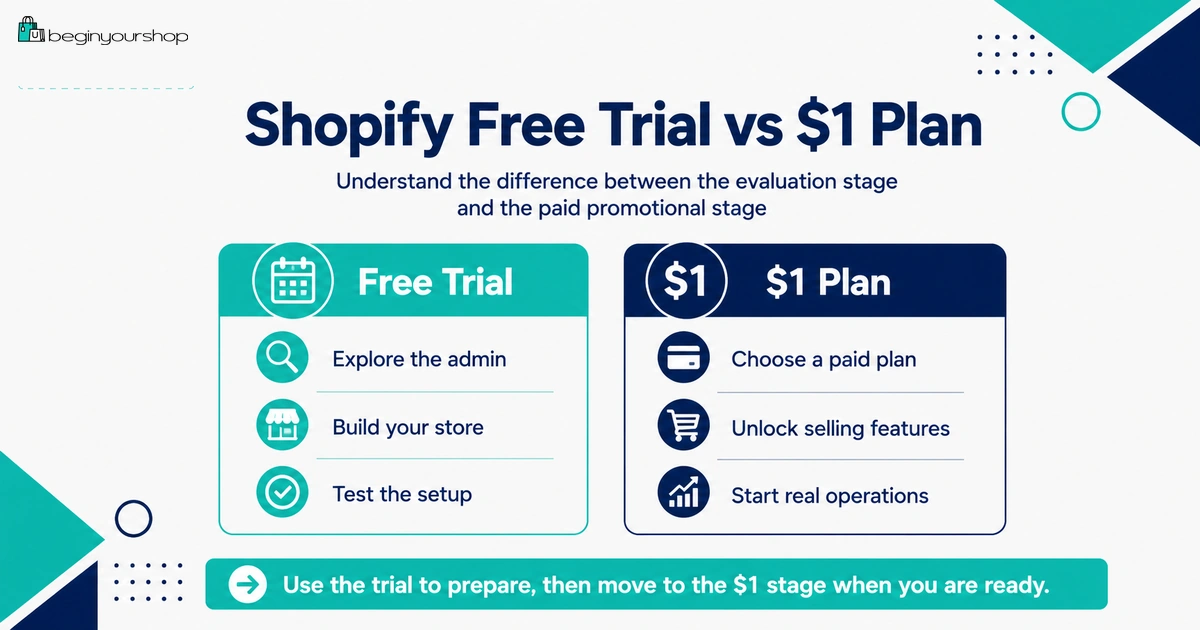
The Shopify free trial and the Shopify $1/month promotional period are not the same thing. The free trial is the initial no-cost exploration period, while the $1/month offer is usually a promotional paid-plan period that can begin after you choose a paid plan. Understanding the difference helps you avoid confusion about checkout, storefront password, billing, payment testing, and when your store can actually accept orders.
This beginner-friendly article explains Shopify free trial vs $1/month, how the two stages usually work, what changes when you choose a paid plan, what you can do during each stage, and how to decide when it makes sense to move from trial to paid promotional pricing.
Many beginners search for the Shopify free trial and the Shopify $1/month offer as if they are the same thing. They are related, but they are not identical.
The free trial is usually the first stage. It lets you sign up, explore the Shopify admin, add products, try themes, draft pages, and decide whether Shopify is a good fit before committing to a plan.
The $1/month promotional period is different. It is typically tied to selecting a paid plan under a promotional offer. It can give beginners more low-cost time to keep building, test checkout, prepare launch details, and start operating the store more seriously.
Understanding this difference matters because some key actions, such as removing the storefront password, activating online store checkout, testing payment gateways, and allowing customers to purchase products, normally require choosing a paid plan.
This guide explains the difference clearly so you know what to do during the free trial, what to do during the $1/month promotional period, and when to move from one stage to the next.
Last checked: June 12, 2026. Shopify free trial length, promotional pricing, plan names, checkout requirements, password behavior, payment testing rules, and eligibility can change. Always confirm the current offer on Shopify’s official free trial and pricing pages before making a billing decision.

Quick Answer
The Shopify free trial is the first stage where you can explore Shopify and build your store draft without choosing a paid plan. The Shopify $1/month offer is usually a promotional paid-plan period that can apply after you choose a plan. The main difference is that a paid plan is normally required to remove the storefront password, activate online store checkout, allow customers to purchase products, and test a payment gateway.
Free trial
Best for exploring Shopify, adding products, trying themes, and deciding whether the platform fits your store idea.
$1/month period
Best for continuing setup after choosing a plan, testing checkout, and preparing the store for real selling.
Best rule
Use the free trial to evaluate. Use promotional paid pricing when you are ready to move toward launch.
The Simple Difference
Think of the two stages like this:
Free trial: “Can Shopify work for my store idea?”
$1/month promotional period: “Now that I chose a plan, can I finish setup, test checkout, and start selling properly?”
This is the easiest way to avoid confusion. The free trial is for evaluation and setup. The promotional paid period is for continuing with Shopify at a lower introductory cost before standard plan pricing applies.
The exact offer can change, but the practical planning logic stays the same: do not treat the free trial and the paid promotional period as identical.
What the Shopify Free Trial Means
The Shopify free trial lets you try Shopify before committing to a subscription plan. Shopify says the free trial begins when you first sign up, not when you start working on your store.
During this stage, your goal should be to test the platform and build a realistic store draft.
Good free-trial tasks
- Explore the Shopify admin
- Add real products
- Write product descriptions
- Upload product images
- Create variants
- Try free themes
- Build a basic homepage
- Create collections
- Draft About and Contact pages
- Draft store policies
- Review payment provider options
- Review shipping settings
- Estimate startup costs
- Decide whether Shopify fits your store idea
What not to expect from the free trial
The free trial is not the same as a fully launched live store. Shopify’s documentation explains that to allow customers to purchase products, you can remove the storefront password or activate online store checkout by choosing a paid plan. Shopify also says testing a payment gateway requires choosing a paid plan.
That means the trial is most useful for preparation, not full selling.
What the $1/month Offer Means
The $1/month offer is generally a promotional pricing period connected to choosing a paid plan. Shopify’s official pricing page currently shows a $1/month introductory offer for the first 3 months, but promotional terms can change by time, country, eligibility, and plan.
Because offers can change, do not rely on old screenshots, outdated blog posts, or social media claims. Check the current Shopify free trial and pricing pages directly before signing up.
What the $1/month period is useful for
- Continuing store setup at a low introductory subscription cost
- Completing payment provider setup
- Testing checkout and payment gateway behavior
- Testing shipping rates at checkout
- Removing the storefront password when ready
- Connecting a custom domain
- Preparing launch traffic
- Making first sales if the store is ready
What the $1/month offer does not mean
The $1/month promotional price does not mean your store has no other costs. You may still need to pay for:
- Payment processing fees
- Domain registration
- Paid apps
- Paid theme if you buy one
- Product samples
- Inventory
- Packaging
- Shipping supplies
- Marketing
- Business, tax, or legal costs depending on your situation
The promotional subscription price reduces one cost. It does not remove the full cost of running a business.
Free Trial vs $1/month Comparison
| Question | Shopify free trial | Shopify $1/month promotional period |
|---|---|---|
| Main purpose | Explore Shopify and decide whether it fits your store idea. | Continue on a paid plan at promotional pricing and prepare for real selling. |
| Best use | Add products, test themes, draft pages, review payments and shipping. | Complete setup, test checkout, remove password when ready, and launch carefully. |
| Plan selected? | Usually no paid plan selected yet. | Usually requires choosing a paid plan under the promotion. |
| Online store checkout | Usually not activated for customer purchases without choosing a paid plan. | Can be activated when the paid plan and payment setup are ready. |
| Storefront password | Normally remains in place unless you choose a paid plan. | Can be removed when you are ready to launch. |
| Payment gateway testing | Shopify says testing a payment gateway requires choosing a paid plan. | Can test checkout and payment gateway behavior after choosing a plan. |
| Billing risk | Usually no subscription billing if no plan is selected before trial ends. | Promotional billing applies, then standard pricing can apply afterward unless you change, pause, or deactivate according to current terms. |
| Best mindset | Evaluate before committing. | Prepare seriously for launch and first orders. |
What to Do During the Free Trial
During the free trial, do not try to perfect everything. Focus on proof that Shopify can support your store.
Priority 1: Add real products
Add at least one complete product, and preferably three to five products. Include titles, descriptions, prices, images, variants, inventory settings, and product organization.
Priority 2: Try a free theme
Test how your real product images and descriptions look inside the theme. Do not judge only by the demo.
Priority 3: Draft essential pages
Create early versions of About, Contact, Shipping Policy, Return and Refund Policy, Privacy Policy, and Terms of Service.
Priority 4: Review operations
Review payment provider options, shipping zones, rates, taxes, fulfillment workflow, product weights, and order notifications.
Priority 5: Estimate costs
Estimate what the store will cost after the trial. Include the Shopify plan, domain, apps, theme, payment fees, samples, products, packaging, shipping, and marketing.
What to Do During the $1/month Period
The promotional paid period should be used more seriously. Once you choose a plan, you should start treating the store like a business in preparation, not just a sandbox.
Priority 1: Complete payment setup
Set up Shopify Payments or another payment provider if eligible. Use accurate business, personal, tax, and banking details.
Priority 2: Test checkout
Place at least one test order before launch. Confirm checkout, shipping, taxes, payment behavior, order emails, inventory changes, and order processing.
Priority 3: Finalize shipping
Check shipping zones, rates, product weights, packaging, fulfillment locations, processing times, and shipping policy language.
Priority 4: Connect your domain
A custom domain helps trust and branding. Connect it before serious promotion so customers see your final store address.
Priority 5: Prepare first traffic
Choose one or two traffic channels. Do not try every marketing channel at once.
Checkout, Password, and Selling
The biggest practical difference between the free trial and the promotional paid period is checkout and public selling.
Shopify’s free trial documentation states that to allow customers to purchase products, you can remove the storefront password or activate online store checkout by choosing a paid plan. Shopify’s password page documentation also says you can remove password protection only after picking a pricing plan.
Before removing the password
Check:
- Products are complete enough
- Prices are correct
- Variants work
- Inventory behavior is correct
- Shipping rates appear at checkout
- Payment provider is ready
- Policies are linked in the footer
- Contact page works
- Mobile layout is usable
- Domain is connected if you use one
Do not remove the storefront password just because you can. Remove it when the store is ready for real visitors.
Payment Testing and Shopify Payments
Payment testing is where many beginners get confused. Shopify’s test order documentation says you can test a payment gateway only after choosing a paid plan.
This means the free trial is a good time to review payment options, but the paid promotional period is usually when you should properly test checkout.
During the free trial, review:
- Whether Shopify Payments is available in your country or region
- Whether your business type is eligible
- What verification details you may need
- What payment fees apply
- Whether third-party transaction fees apply if using another provider
- What payout timing to expect
During the paid promotional period, test:
- Payment provider activation
- Test mode if available and appropriate
- Successful checkout
- Failed payment scenario if useful
- Shipping rate calculation
- Tax display
- Order confirmation emails
- Inventory changes
Launch warning: Turn off test mode before accepting real customer payments. A store left in test mode is not ready for live orders.
Billing and What Happens Later
The $1/month offer is promotional. After the promotional period, your store can move to standard pricing unless you change, pause, or deactivate according to current Shopify terms.
Before choosing a plan, understand:
- Which plan you are selecting
- How long promotional pricing lasts
- When standard pricing begins
- Whether monthly or annual billing applies
- Which apps have separate charges
- Whether any paid theme purchase is non-refundable
- How to pause or deactivate if you decide not to continue
Shopify’s pricing FAQ says that if you do not choose a pricing plan during your free trial, your account is frozen at the end of the trial. If you choose a plan before the end of the trial and later want to cancel, Shopify says you need to manually pause or deactivate your store.
Eligibility and Offer Changes
Shopify’s promotional offers can vary. The offer you see may depend on region, timing, eligibility, account status, or current Shopify marketing campaigns.
Because of that, be careful with:
- Old blog posts
- Old YouTube tutorials
- Affiliate landing pages that may be outdated
- Social media screenshots
- Forum comments about trial length or pricing
Use the official Shopify free trial and pricing pages as the source of truth for the offer currently available to you.
When Should You Choose a Paid Plan?
Choose a paid plan when the store is ready to move from exploration to operational setup.
Choose a paid plan if:
- You have added real products
- Your theme works with your products
- You understand your shipping model
- You know which payment provider you will use
- You are ready to test checkout
- You are close to launching publicly
- You understand the cost after the promotional period
Wait if:
- You are unsure what to sell
- You have not added real products
- You do not understand payment requirements
- Shipping costs are unclear
- Your product pages are weak
- You need many paid apps before the store is proven
- You have no traffic plan
A paid plan should support progress. It should not be used to avoid solving basic business problems.
Suggested Beginner Timeline
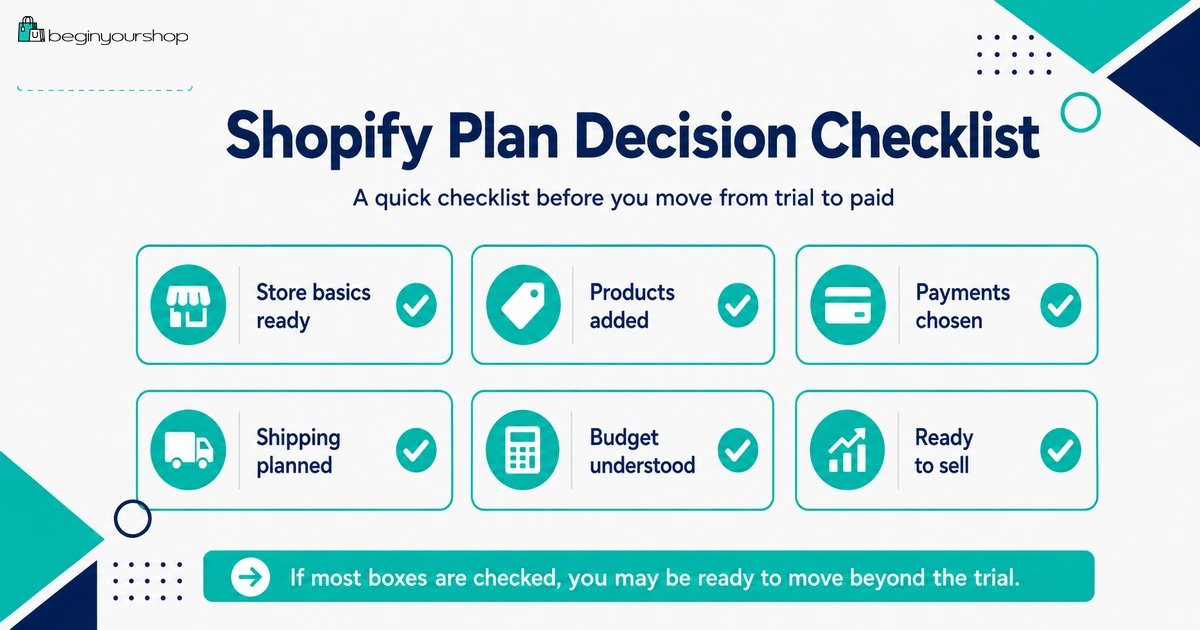
Use this timeline to make better use of both stages.
| Stage | Goal | Key tasks |
|---|---|---|
| Free trial start | Understand Shopify | Explore admin, products, themes, settings, and store structure. |
| Free trial middle | Build a real draft | Add products, create collections, test a theme, and draft essential pages. |
| Free trial end | Decision point | Estimate costs, review payment and shipping options, and decide whether to choose a plan. |
| $1/month period start | Operational setup | Choose plan, complete payment setup, connect domain, and prepare checkout testing. |
| $1/month period middle | Launch preparation | Test orders, finalize policies, review mobile layout, and prepare traffic. |
| $1/month period end | Standard pricing decision | Decide whether to continue, upgrade, pause, deactivate, or adjust the store strategy. |
Common Mistakes
Mistake 1: Thinking the free trial and $1/month are identical
They are related stages, but not the same. The free trial is for exploration. The $1/month offer is usually promotional pricing after selecting a paid plan.
Mistake 2: Waiting until the trial ends to start work
The trial begins when you sign up. Start adding products and testing your store immediately.
Mistake 3: Choosing a plan before reviewing payments
Review payment availability, verification, fees, and payout timing before moving toward launch.
Mistake 4: Removing the password too early
Do not open the store publicly until products, checkout, policies, payments, shipping, and mobile layout are ready.
Mistake 5: Treating $1/month as the total cost
The subscription promotion does not remove domain, app, payment, product, shipping, and marketing costs.
Mistake 6: Not planning for standard pricing
Promotional pricing is temporary. Know what the store will cost after the promotion ends.
Mistake 7: Installing too many apps during the promotional period
Low subscription pricing can make beginners careless with app costs. Keep the store lean until sales justify more tools.
Decision Checklist
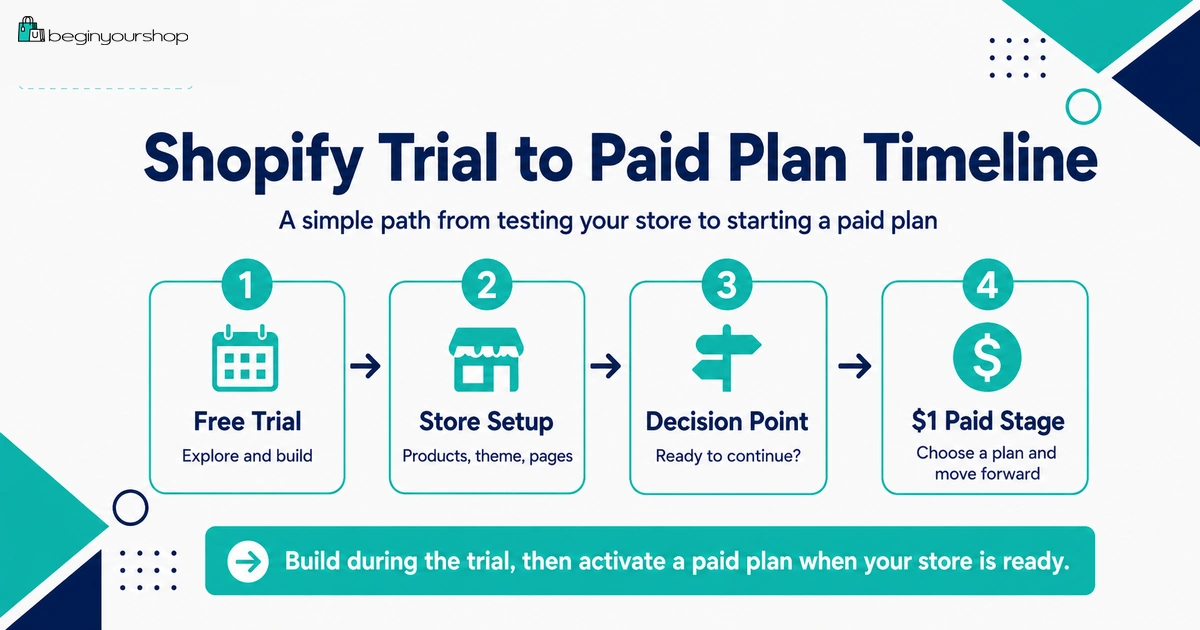
Use this checklist before moving from the free trial to the $1/month promotional period.
| Question | Ready? |
|---|---|
| I added real products with clear descriptions and images. | Yes / No |
| I tested at least one theme with my real products. | Yes / No |
| I drafted About, Contact, Shipping, Return, Privacy, and Terms pages. | Yes / No |
| I understand which payment provider I plan to use. | Yes / No |
| I understand shipping zones, rates, and fulfillment basics. | Yes / No |
| I know which Shopify plan I am choosing. | Yes / No |
| I understand what happens after the promotional pricing ends. | Yes / No |
| I know which apps are truly required. | Yes / No |
| I have a plan to test checkout after choosing a paid plan. | Yes / No |
| I know how I will get my first visitors. | Yes / No |
If most answers are “yes,” the promotional paid period may be useful. If most answers are “no,” use more time to clarify your store plan before committing.
FAQ
Is the Shopify free trial the same as $1/month?
No. The free trial is the initial period for exploring Shopify. The $1/month offer is usually a promotional paid-plan period after choosing a plan. Exact terms can change, so check Shopify’s official offer before signing up.
Can I sell during the Shopify free trial?
Shopify’s free trial documentation says that to allow customers to purchase products, you can remove the storefront password or activate online store checkout by choosing a paid plan. In practice, use the trial to prepare and choose a plan when you are ready to sell.
When does the Shopify free trial start?
Shopify says the free trial begins when you first sign up, not when you start working on your store.
What does the $1/month Shopify offer include?
The offer is promotional pricing connected to a Shopify plan. What you can access depends on the plan you choose and the current offer terms. Review Shopify’s official pricing page before choosing.
Can I test Shopify Payments during the free trial?
Shopify’s test order documentation says you can test a payment gateway only after choosing a paid plan.
Do I need to choose a paid plan to remove the password?
Yes. Shopify’s password page documentation says you can remove password protection from your online store only after picking a pricing plan.
What happens if I do not choose a plan during the free trial?
Shopify’s pricing FAQ says that if you do not choose a pricing plan during your free trial, your account is frozen at the end of the trial.
What happens after the $1/month promotional period?
After promotional pricing ends, standard plan pricing can apply unless you change, pause, or deactivate according to the current terms. Review the billing schedule before choosing a plan.
Should I choose a paid plan immediately?
Not necessarily. Choose a paid plan when you have real products, a suitable theme, payment and shipping clarity, and a plan to test checkout and launch.
What should I do during the free trial?
Add products, test themes, create collections, draft essential pages, review payments and shipping, estimate costs, and decide whether Shopify fits your store idea.
Final Thoughts
The Shopify free trial and the $1/month promotional period are related, but they serve different purposes.
Use the free trial to explore Shopify, add real products, test themes, draft essential pages, and decide whether the platform fits your business idea. Use the promotional paid period to complete setup, test checkout, connect your domain, prepare launch traffic, and start selling if the store is ready.
The best approach is simple: do not rush from free trial to paid plan just because the offer looks cheap. Move forward when your products, payments, shipping, policies, checkout, and launch plan are ready.
Next recommended guide: Shopify Free Trial Explained for Beginners