Shopify Free Trial Checklist for Beginners
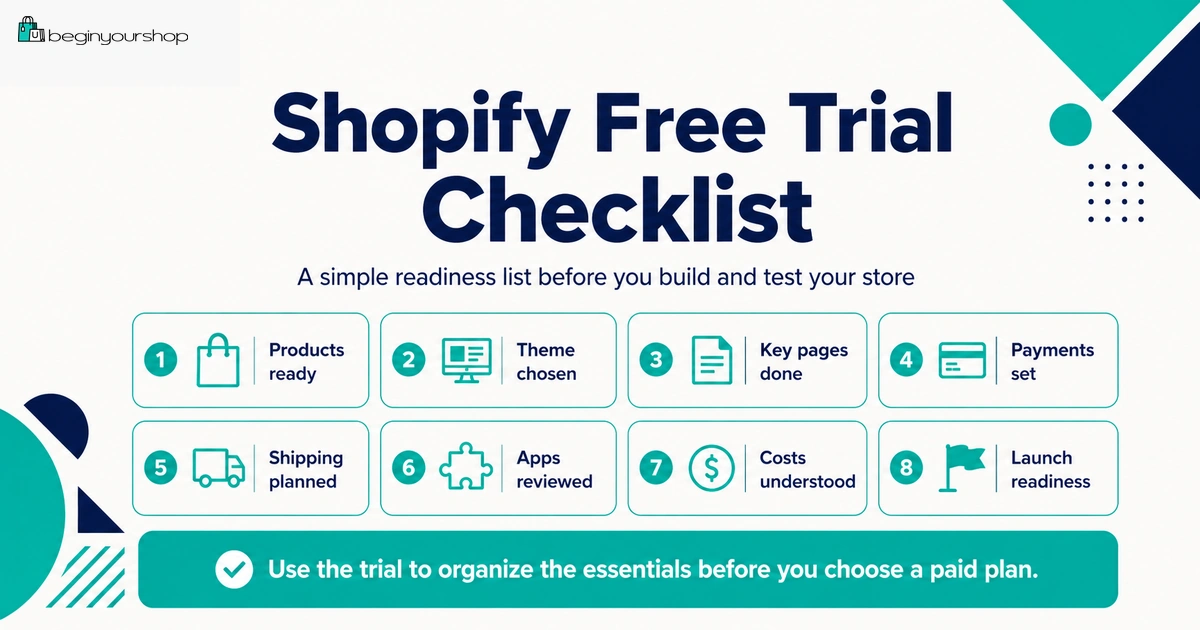
A Shopify free trial is most useful when you treat it like a setup checklist, not a casual browsing period. The goal is to add real products, test a theme, review payments and shipping, draft essential pages, understand costs, and decide whether Shopify is the right platform before choosing a paid plan.
This beginner-friendly Shopify free trial checklist gives you a practical step-by-step plan for what to do before, during, and after the trial so you do not waste time on low-priority tasks or choose a paid plan before your store is ready.
The Shopify free trial gives you time to explore the platform before committing to a monthly plan. But the trial can disappear quickly if you spend it browsing themes, changing colors, or installing apps without testing the core store setup.
A better approach is to use the trial as a structured checklist. During the trial, you should find out whether Shopify can support your products, store structure, theme needs, payment setup, shipping model, budget, and launch plan.
This checklist is designed for beginners who want a clear plan. It does not assume you are ready to launch immediately. Instead, it helps you build a realistic store draft and make a better decision before moving to a paid plan.
Last checked: June 19, 2026. Shopify free trial rules, promotional pricing, payment testing requirements, checkout access, plan names, shipping settings, and launch requirements can change. Always confirm current details on Shopify’s official free trial page and inside your Shopify admin.

Quick Answer
During the Shopify free trial, you should add real products, test a free theme, create basic collections, draft essential pages, review payment options, review shipping settings, check mobile layout, estimate costs, and decide whether to choose a paid plan. Do not use the entire trial on design details before checking products, payments, shipping, policies, and checkout readiness.
Best trial goal
Build a realistic store draft and decide whether Shopify fits your business idea.
Most important checks
Products, theme, payments, shipping, policies, costs, and launch readiness.
What to avoid
Do not choose a paid plan only because the trial is ending if the store is still unclear.
How to Use This Checklist
This checklist is organized in the order most beginners should work. Start with product and store basics before spending time on advanced apps, custom design, or paid marketing.
You can use the checklist in three ways:
- Before signup: Prepare enough product and business information so the trial does not get wasted.
- During the trial: Build a realistic store draft and review important settings.
- Before paying: Decide whether the store is ready for a paid plan and checkout testing.
Shopify says the free trial begins when you first sign up, not when you start working on your store. That means preparation before signup can make the trial more useful.
Beginner rule: Use the trial to answer whether Shopify works for your store. Do not use it only to make the homepage look pretty.
Before You Sign Up
Before starting the free trial, gather the basic details you need to test Shopify properly. You do not need a finished business, but you should have enough information to avoid starting with an empty store.
Pre-trial preparation checklist
| Item | Why it matters | Status |
|---|---|---|
| Store name or working brand name | You need a basic identity for store settings, pages, and theme preview. | To prepare |
| Short store description | Helps you write the homepage, About page, and product positioning. | To prepare |
| One to five products | Real products let you test product pages, collections, and navigation. | To prepare |
| Product images | Theme demos can be misleading without your actual visual assets. | To prepare |
| Product prices | You need realistic prices to evaluate margins and checkout display. | To prepare |
| Shipping idea | Shipping affects checkout, profit, and customer expectations. | To prepare |
| Support email | A contact method supports trust and customer service. | To prepare |
| Domain idea | A custom domain is strongly recommended before serious launch. | To prepare |
If you do not know what product you want to sell, the trial can still help you explore Shopify, but you may not be ready to choose a paid plan when it ends.
Day 1: Understand the Admin
On the first day, do not try to master everything. Your goal is to understand where the important settings live.
Admin areas to review
- Products: Add and manage product pages, variants, prices, inventory, and product organization.
- Online Store: Manage themes, pages, navigation, blog posts, and storefront preferences.
- Settings: Review payments, shipping, taxes, domains, checkout, notifications, markets, and store details.
- Orders: Manage orders after checkout is active and orders exist.
- Apps: Add functionality, but avoid installing too many apps early.
- Analytics: Useful after traffic begins, but not your first priority during initial setup.
Shopify’s general setup guidance includes practical tasks such as adding products, trying themes, setting up a domain, configuring taxes, setting up payments, and preparing shipping. That order is useful because it keeps attention on store readiness.
Add Real Products
Product setup is the most important part of the trial. A beautiful store with weak product pages will not be ready to sell.
Product setup checklist
| Product field | What to check |
|---|---|
| Title | Clear, specific, and easy for customers to understand. |
| Description | Explains what the product is, who it is for, what is included, and why it matters. |
| Images | Shows the product clearly, including details, variants, and scale where useful. |
| Price | Matches your positioning and margin assumptions. |
| Variants | Size, color, material, style, format, or pack options work correctly. |
| Inventory | Tracking settings match your fulfillment model. |
| Shipping details | Physical products have correct weight and fulfillment details where needed. |
| Organization | Product category, type, vendor, collections, and tags are consistent. |
| SEO listing | Important products have clear page title, description, and URL handle. |
Product page quality questions
- Would a first-time visitor understand the product?
- Does the page answer obvious buying questions?
- Are images good enough to support trust?
- Are variants easy to choose?
- Are shipping and return expectations clear or linked?
Do not wait until after the trial to discover that your product pages need major work.
Test a Shopify Theme
During the free trial, test a theme with your real product content. Shopify recommends choosing a free theme during the trial if you are still exploring and want to avoid extra charges.
Theme testing checklist
- Homepage sections are easy to customize.
- Product pages display images and descriptions clearly.
- Collection pages are easy to browse.
- Menu and footer work well.
- Cart drawer or cart page is clear.
- Mobile layout works without awkward cropping or clutter.
- Variant selectors are easy to use.
- Theme supports the level of storytelling or product detail you need.
Do not choose a theme based only on its demo homepage. Product pages, collection pages, cart, and mobile experience are more important for real selling.
Build Basic Store Structure
A simple store structure helps customers browse and helps you organize content.
Start with simple navigation
For a small beginner store, the main menu can be simple:
- Home
- Shop
- Best Sellers
- About
- Contact
The footer can include important trust and policy links:
- Shipping Policy
- Return and Refund Policy
- Privacy Policy
- Terms of Service
- Contact
Create useful collections
Collections help customers browse related products. During the trial, create only the collections that make the store easier to understand.
Examples:
- New Arrivals
- Best Sellers
- Gift Ideas
- Accessories
- Bundles
- Sale
- Category-specific collections
A small store does not need many collections. Too many empty or thin collections can make the store feel unfinished.
Draft Essential Pages
Essential pages help customers understand the store and reduce support questions. During the trial, draft the core pages even if you refine them later.
Essential page checklist
| Page | What it should answer |
|---|---|
| About | What does the store sell, who is it for, and why does it exist? |
| Contact | How can customers reach you, and when should they expect a response? |
| Shipping Policy | Where do you ship, how long does processing take, and what delivery timelines should customers expect? |
| Return and Refund Policy | What can be returned, what cannot, how long customers have, and how refunds work? |
| Privacy Policy | How is customer data collected, used, stored, and shared? |
| Terms of Service | What rules apply to using the store and buying from it? |
Generic policy text is not enough if it does not match your actual store operations. Adjust policy content to reflect your products, shipping, returns, and customer support process.
Review Payments
Payment setup can affect whether your store can actually operate. During the free trial, review payment options early so there are no surprises later.
Payment checklist during the trial
- Check whether Shopify Payments is available in your country or region.
- Check whether your business type is eligible.
- Review card rates and payment processing costs.
- Review whether third-party transaction fees apply if using another provider.
- Prepare identity, business, tax, and bank information where required.
- Understand payout timing.
- Plan to test checkout after choosing a paid plan.
Shopify says you can test a payment gateway only after choosing a paid plan. That means the trial is useful for reviewing payment requirements, while proper checkout testing usually happens after selecting a plan.
Review Shipping
Shipping is one of the most important operational checks. A store can look ready but fail at checkout if shipping zones, rates, product weights, or fulfillment locations are wrong.
Shipping checklist during the trial
- Decide where you will ship.
- Review shipping zones.
- Review flat-rate, calculated, free shipping, or local delivery options.
- Enter product weights where needed.
- Review fulfillment locations.
- Estimate packaging and label costs.
- Draft processing and delivery timelines.
- Plan return handling.
- Check whether international shipping creates duties, taxes, or restrictions.
Do not offer free shipping without calculating whether your product margin can support it.
Review Apps Carefully
Apps can help, but they can also increase monthly costs and complexity. During the free trial, install only apps that help test your business model.
Apps that may be necessary early
- Print-on-demand app
- Dropshipping supplier app
- Digital delivery app
- Product options or personalization app
- Subscription app if your product model requires subscriptions
- Basic email capture app if building a pre-launch list
Apps to delay
- Advanced upsell apps
- Loyalty programs
- Referral programs
- Heatmaps
- A/B testing tools
- Multiple popups
- Advanced analytics before you have traffic
Before installing any app, ask whether Shopify or your theme already solves the problem. Also review app pricing, permissions, storefront impact, mobile behavior, and uninstall steps.
Estimate Total Costs
The free trial is the right time to estimate what the store will cost after the trial and any promotional period.
Cost checklist
| Cost | Need now? | Notes |
|---|---|---|
| Shopify plan | After trial or when ready to sell | Choose the lowest suitable plan for your current needs. |
| Domain | Recommended before serious launch | A custom domain improves trust and branding. |
| Theme | Usually not at first | Start with a free theme unless a paid theme solves a real problem. |
| Apps | Only if required | Recurring app costs can grow quickly. |
| Payment fees | When orders happen | Include processing fees in margin calculations. |
| Product samples | Usually yes for physical products | Confirm quality before customers receive the product. |
| Inventory | Depends on model | Do not overbuy before validating demand. |
| Packaging and shipping supplies | For physical products | Include packaging, labels, returns, and replacements. |
| Marketing | Needed after launch | Shopify provides the store, not automatic traffic. |
Shopify’s billing documentation notes that app subscription billing cycles can differ from your Shopify subscription billing cycle. Keep track of app costs separately so you understand your real monthly expenses.
Before Choosing a Paid Plan
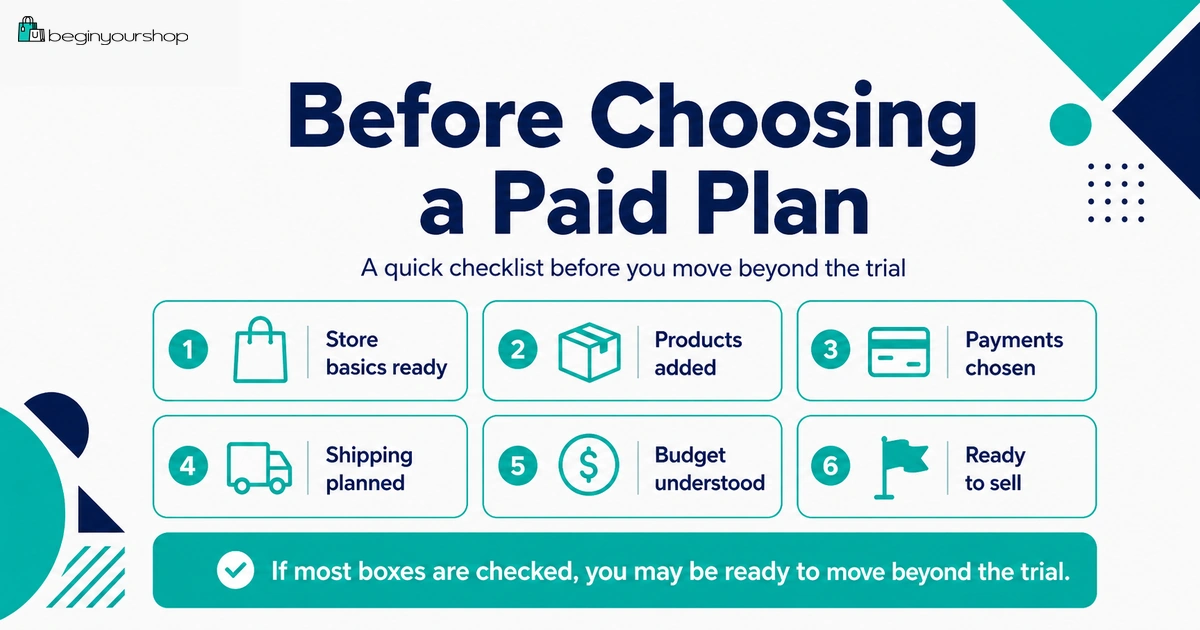
Choosing a paid plan should be a deliberate step. It should mean your store is ready to move from exploration to operational setup.
Choose a paid plan if:
- You have added real products.
- Your theme works with your products.
- You understand payment provider options.
- You understand shipping rules and costs.
- You know what apps are truly required.
- You are ready to test checkout.
- You have drafted essential pages and policies.
- You know your first traffic channel.
Wait if:
- You are not sure what to sell.
- Product pages are still empty or vague.
- Payment eligibility is unclear.
- Shipping costs make the business model questionable.
- You need too many paid apps before proving demand.
- You are choosing a plan only because the trial is ending.
Shopify says that if you do not select a monthly plan at the end of the free trial, then your store is paused until you choose a paid plan. That is not ideal if you are ready to launch, but it can be better than paying too early for an unprepared store.
Launch Readiness Checklist
Use this checklist when you are close to launching.
| Area | Launch readiness question | Status |
|---|---|---|
| Products | Are product pages clear, complete, and accurate? | To review |
| Theme | Does the store work on desktop and mobile? | To review |
| Navigation | Can customers find products, policies, and contact information? | To review |
| Payments | Is the payment provider active and correctly configured? | To review |
| Checkout | Have you placed a test order after choosing a paid plan? | To review |
| Shipping | Do shipping rates appear correctly at checkout? | To review |
| Taxes | Have tax settings been reviewed for your products and regions? | To review |
| Policies | Are shipping, returns, refunds, privacy, and terms pages published? | To review |
| Domain | Is the custom domain connected and set as primary if used? | To review |
| Traffic | Do you know how you will bring first visitors? | To review |
Shopify recommends placing at least one test order during store setup or whenever payment settings change. A test order helps confirm checkout, order processing, inventory, shipping, email notifications, and taxes.
Common Trial Mistakes
Mistake 1: Waiting before working
The trial begins when you sign up. Start working immediately, or prepare before signup.
Mistake 2: Spending the whole trial on design
Theme design matters, but products, payments, shipping, policies, and checkout readiness matter more.
Mistake 3: Not adding real products
You cannot judge Shopify properly if your store is still filled with demo content.
Mistake 4: Ignoring payment requirements
Review availability, eligibility, fees, verification, and payout timing before launch.
Mistake 5: Ignoring shipping
Shipping problems can block checkout or destroy margins.
Mistake 6: Installing too many apps
Too many apps create cost and complexity before the store has proven demand.
Mistake 7: Choosing a paid plan too early
Choose a plan when it supports a clear next step, not because you feel rushed.
Mistake 8: Forgetting test orders
After selecting a paid plan, test checkout before sending real traffic.
Simple Shopify Free Trial Schedule
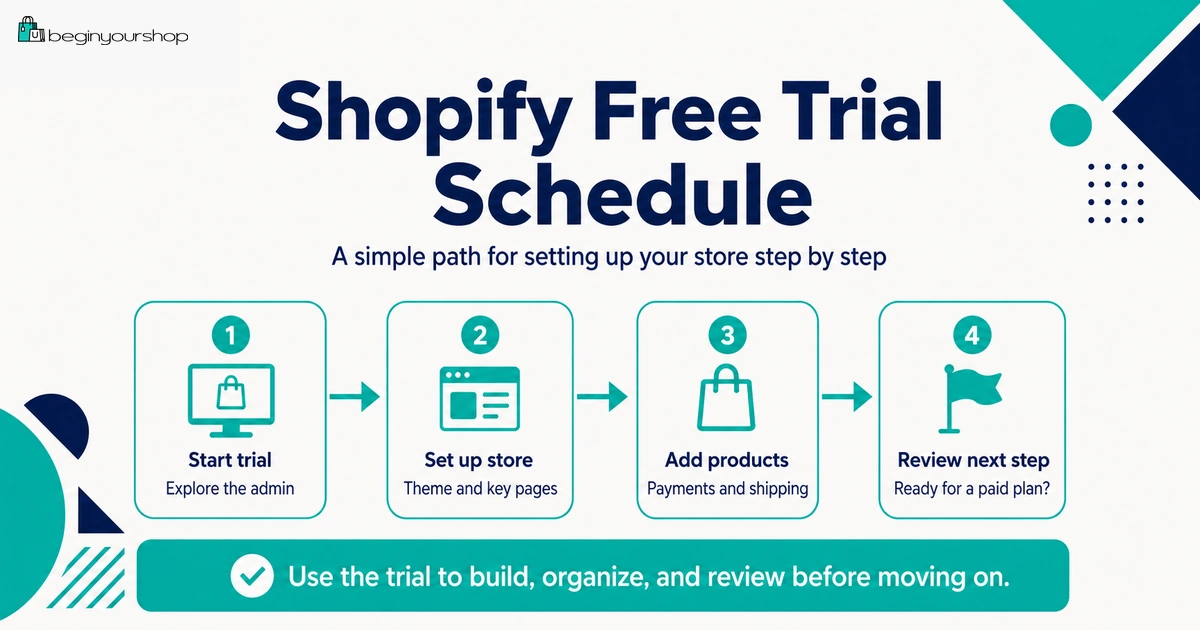
Use this schedule if you want a practical work plan.
| Stage | Focus | Tasks |
|---|---|---|
| Before signup | Preparation | Collect products, images, prices, shipping idea, store name, and domain idea. |
| Early trial | Store foundation | Explore admin, add products, create collections, and try a free theme. |
| Middle trial | Store clarity | Customize homepage, draft pages, build navigation, and check mobile layout. |
| Late trial | Operations | Review payments, shipping, taxes, apps, costs, and launch readiness. |
| After trial decision | Next step | Choose a paid plan if ready, or pause and improve the business plan. |
FAQ
What should I do during the Shopify free trial?
Add real products, test a theme, create collections, draft pages and policies, review payment options, review shipping settings, estimate costs, and decide whether Shopify fits your store idea.
When does the Shopify free trial start?
Shopify says the free trial begins when you first sign up, not when you start working on your store.
Can I sell during the Shopify free trial?
Shopify’s free trial documentation says that to allow customers to purchase products, you can remove the storefront password or activate online store checkout by choosing a paid plan.
Can I test payments during the free trial?
Shopify’s test order documentation says you can test a payment gateway only after choosing a paid plan.
Should I use a free theme during the trial?
Most beginners should start with a free theme during the trial. Consider a paid theme later only if it solves a specific product page, catalog, navigation, or design problem.
Should I install apps during the trial?
Install only apps that are required to test your business model, such as print-on-demand, digital delivery, product options, or subscriptions. Delay advanced marketing and optimization apps.
What happens if the trial ends and I do not choose a plan?
Shopify says that if you do not select a monthly plan at the end of your free trial, your store is paused until you choose a paid plan.
Should I choose a paid plan right away?
Choose a paid plan when your products, theme, payment review, shipping plan, essential pages, costs, and next steps are clear. Do not choose a plan only because the trial is ending.
What should I check before launch?
Check products, theme, mobile layout, payments, checkout, shipping, taxes, policies, domain, notifications, and traffic plan. Place a test order after choosing a paid plan.
Is the Shopify free trial enough to know if Shopify is right for me?
It can be enough if you use it properly. You should test real products, store structure, theme fit, payment options, shipping setup, and costs before deciding.
Final Thoughts
The Shopify free trial is a valuable setup and decision period. It is not just a time to explore design options.
Use the trial to add real products, test a theme, create structure, draft essential pages, review payments, review shipping, estimate costs, and decide whether Shopify fits your store idea.
If the checklist looks strong, choosing a paid plan can be the next step toward checkout testing and launch. If the checklist reveals major gaps, pause and fix the business plan before paying for a store that is not ready.
Next recommended guide: Shopify Free Trial Explained for Beginners