Shopify Grow Plan Explained for Beginners
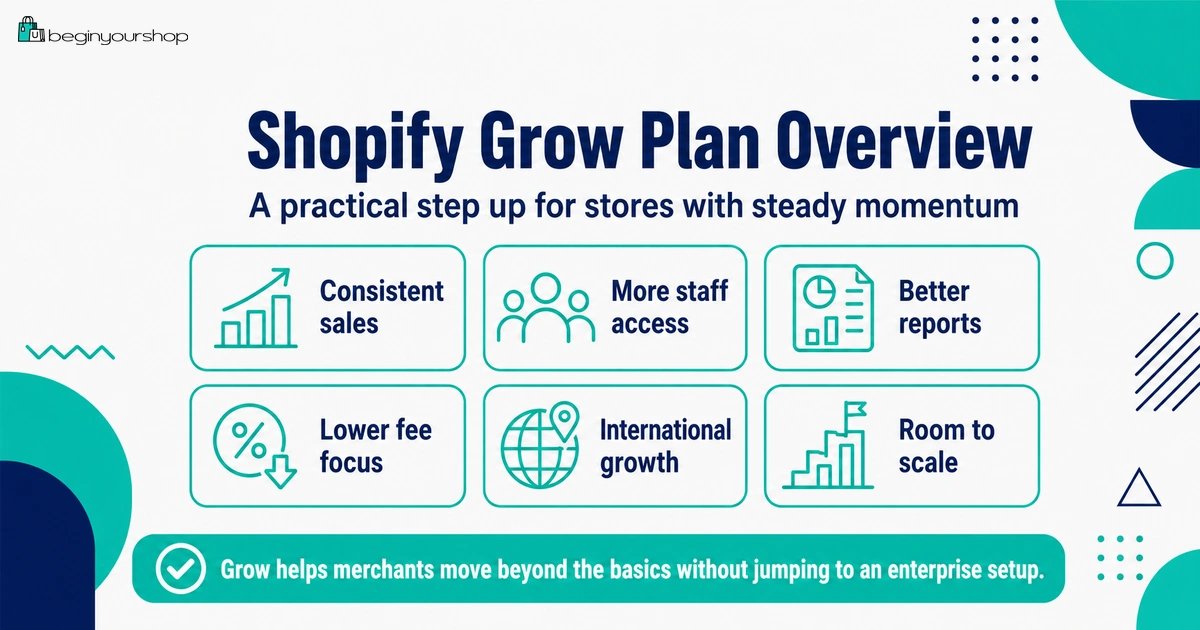
The Shopify Grow plan is designed for stores that are moving beyond the earliest launch stage. It can make sense when your business has consistent sales, needs additional staff accounts, needs stronger reports, or can benefit from more competitive card rates and transaction fees compared with the Basic plan.
This beginner-friendly article explains the Shopify Grow plan, who it is best for, how it compares with Basic and Advanced, what cost factors to review, when upgrading may make sense, and when beginners should stay on a simpler plan.
Many beginners start by comparing Shopify plans only by monthly price. That is understandable, but it is not enough. As your store grows, the right plan depends on more than subscription cost. You also need to think about staff access, reporting, payment fees, third-party transaction fees, international selling needs, operations, and whether your sales volume justifies a higher plan.
The Shopify Grow plan sits between Basic and Advanced. In practical terms, it is usually not the first plan a brand-new store needs. It is more relevant when your store has moved from “testing whether this can work” to “building a more serious operation.”
For many new stores, Basic is enough at first. Grow becomes worth reviewing when the store has consistent sales, the business needs additional staff accounts, reports become more important, or fee differences start affecting profit.
This guide explains the Grow plan from a beginner’s perspective so you can decide whether it is the right next step or something to consider later.
Last checked: July 17, 2026. Shopify plan names, pricing, card rates, transaction fees, staff limits, reporting features, international commerce tools, and promotional offers can change. Always review Shopify’s official pricing page and Shopify Help Center before choosing or changing a plan.

Quick Answer
The Shopify Grow plan is best for growing businesses with consistent sales that need more features than Basic, such as additional staff accounts, stronger reports, international commerce tools, and more competitive card rates or transaction fees. Beginners usually do not need Grow on day one unless they already have clear operational, staff, reporting, or fee-related reasons.
Best for
Stores with consistent sales, growing operations, staff needs, and stronger reporting requirements.
Not ideal for
New stores with no traffic, no sales data, incomplete product pages, or no proven product demand.
Upgrade rule
Upgrade when the extra features or fee savings clearly justify the higher monthly cost.
What Is the Shopify Grow Plan?
The Shopify Grow plan is a paid plan designed to support stores that are growing beyond the Basic stage. Shopify’s plan guidance describes Grow as best for growing businesses with consistent sales that need more features, such as advanced reporting or additional staff accounts.
Shopify’s Grow plan documentation describes it as offering all the features of Basic, along with lower credit card rates and transaction fees. It also provides stronger reports and supports additional staff accounts.
Grow plan in plain language
Grow is not just “a more expensive Basic plan.” It is a plan for stores that need more operational capability.
Grow can be relevant when you need:
- More staff access
- Better reports
- More business visibility
- More competitive rates and fees
- International commerce support
- A plan that fits a store with consistent sales
If you are still building your first product pages and have not launched yet, Grow is usually something to understand for later, not something to choose automatically.
Who Is Shopify Grow Best For?
Shopify Grow is best for stores that have outgrown the most basic launch stage.
Grow may be a good fit if:
- Your store has consistent sales.
- You need additional staff accounts.
- You need better reporting for business decisions.
- You want more competitive rates and fees than Basic.
- You are expanding into international selling.
- You have enough order volume for plan economics to matter.
- Your business is no longer just testing product demand.
Grow may not be right yet if:
- You have not launched your store.
- You have no sales data.
- You are working alone and do not need staff accounts.
- You do not yet need advanced reports.
- Your product pages are still incomplete.
- You are choosing Grow only because it sounds more professional.
- You have not calculated whether lower fees offset the higher plan cost.
For a true beginner, Grow is usually not about starting. It is about the next stage after the store begins to show traction.
What Grow Adds Beyond Basic
Grow includes the features available on Basic and adds capabilities that are more useful once the business is growing.
| Area | What Grow adds | Why it matters |
|---|---|---|
| Staff | More user accounts than Basic. | Useful when more people need access to products, orders, fulfillment, marketing, or support. |
| Reports | More powerful reporting than Basic. | Helps you understand sales, customers, inventory, marketing, and store performance. |
| Fees | More competitive credit card rates and transaction fees than Basic. | Can improve economics when sales volume is high enough. |
| International commerce | Tools that support international growth. | Useful if you sell across regions and need region-specific settings. |
| Growth readiness | A plan designed for businesses with consistent sales. | Fits stores that need more operational visibility and control. |
The important question is not whether these features are useful in general. The question is whether your store needs them now.
Staff Accounts
Staff access is one of the clearest reasons to move beyond Basic. Shopify’s Grow plan documentation says Grow supports five user accounts.
This matters when different people need access to the Shopify admin for different tasks.
Staff roles that may need access
- Store owner
- Operations assistant
- Fulfillment staff
- Customer support person
- Marketing manager
- Content editor
- Developer or agency partner
- Inventory manager
When staff access justifies Grow
Staff access becomes important when:
- You need people to work in Shopify without sharing one login.
- You want more controlled access.
- Your store has enough orders to require operational help.
- You need someone else to manage products, orders, content, or customer service.
If you are still working alone, staff accounts may not justify upgrading yet. But once the store becomes a team operation, Grow can become more practical.
Reports and Business Visibility
Reports are another major reason to consider Grow. Shopify’s Grow plan documentation says the plan provides powerful reports that help with planning for growth by giving sales information in the Shopify admin. It also mentions customer reports that can help you understand how customers use the store and who purchases your products.
Reports can help answer questions such as:
- Which products generate the most revenue?
- Which traffic sources bring better customers?
- Which products are frequently viewed but not purchased?
- Which customers return?
- Which marketing activities influence sales?
- How is inventory moving?
- Which regions or customer segments perform better?
When reports matter more
Reports become more valuable when you have enough data to analyze. If your store has very little traffic or no sales, advanced reports will not solve that. But if the store has consistent activity, stronger reporting can help you make better decisions.
For beginners, the sequence should usually be:
- Launch a clear store.
- Get traffic.
- Generate sales data.
- Use better reports to improve decisions.
Credit Card Rates and Transaction Fees
Grow can also matter because of fees. Shopify’s pricing and billing overview explains that Basic, Grow, and Advanced plans have multiple rates and fees, including monthly price, credit card rates, and third-party transaction fees.
Shopify’s choosing-a-plan documentation also says that on higher-tier plans, credit card fees are lower, and that the exact point where upgrading saves money depends on your location and whether you use Shopify Payments.
Two fee types to understand
| Fee type | Meaning | Why it matters for Grow |
|---|---|---|
| Payment processing fee | The cost of processing customer payments. | Lower rates can matter when order volume grows. |
| Third-party transaction fee | A Shopify fee that can apply when using external payment providers. | Plan differences may affect the cost of using non-Shopify payment providers. |
How to think about the upgrade math
Do not upgrade only because Grow has better rates. Upgrade when the savings or features outweigh the higher monthly plan cost.
At a simple level, compare:
- Extra monthly cost of Grow versus Basic
- Estimated fee savings from better rates
- Value of staff accounts
- Value of improved reports
- Value of international commerce tools
If the extra cost is not justified yet, stay on the simpler plan and revisit later.
International Commerce Tools
Grow can also be relevant for stores planning international growth. Shopify’s Grow plan documentation says the plan supports international growth through international sales tools, which are cross-border management tools that let you configure specific settings for each international region.
International selling may involve:
- Different regions or markets
- Currency presentation
- Localized pricing considerations
- Shipping rules by country or region
- Taxes and duties communication
- Language or content localization
- Payment method expectations
- Return handling across borders
If you are only selling domestically at first, this may not matter immediately. If your growth plan includes cross-border selling, Grow may be more relevant.
Shopify Grow vs Basic
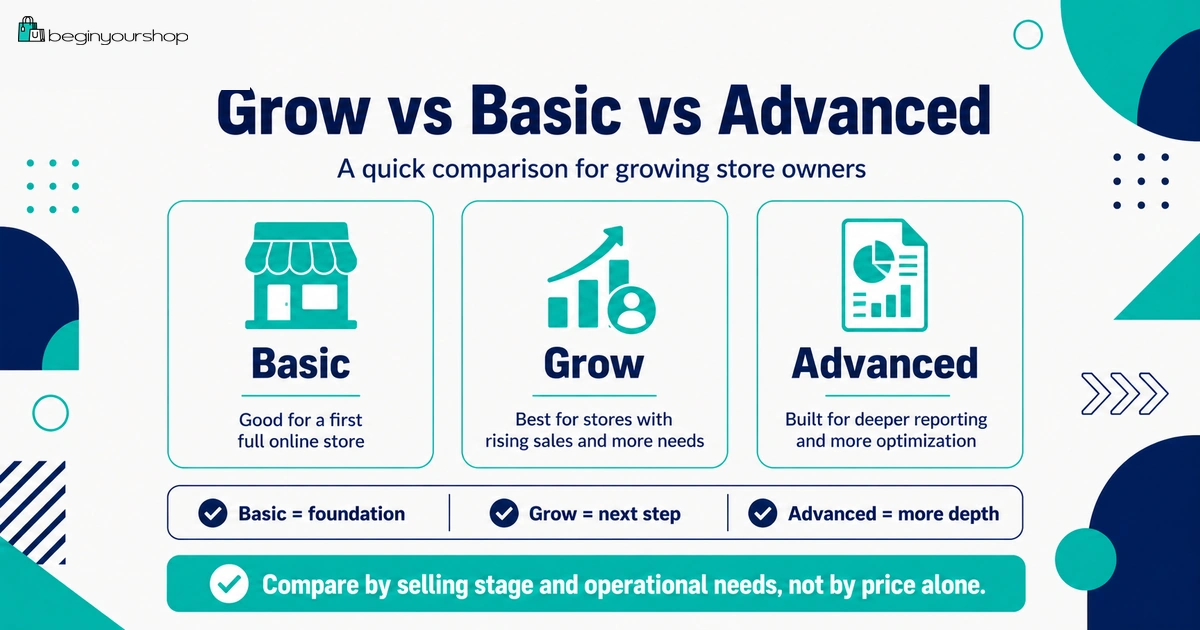
The Basic plan is often enough for a brand-new store. Grow is more appropriate when the store has started to grow and needs more features or better plan economics.
| Question | Basic | Grow |
|---|---|---|
| Best for | New businesses ready to launch an online store and start selling. | Growing businesses with consistent sales that need more features. |
| Staff needs | Better if you are working alone or have minimal admin access needs. | Better if multiple users need Shopify admin access. |
| Reports | Enough for early-stage tracking. | Better for stores that need stronger reporting and growth visibility. |
| Fees | Lower fixed monthly cost. | More competitive rates and fees, which can matter with sales volume. |
| Best mindset | Validate and launch lean. | Optimize and grow with better tools. |
Stay on Basic if:
- You have no consistent sales yet.
- You do not need staff accounts.
- You do not need stronger reports yet.
- Fee savings would not offset the higher cost.
- You are still validating products and traffic.
Consider Grow if:
- You have consistent sales.
- You need additional staff access.
- Reports are becoming important.
- Plan economics make sense.
- You are preparing for more serious growth.
Shopify Grow vs Advanced
Advanced is designed for businesses with higher-volume or more complex needs. Shopify’s choosing-a-plan documentation describes Advanced as best for high-volume businesses that need the lowest transaction fees, or businesses migrating from another platform. Advanced also includes enhanced features for retail stores.
Shopify’s Advanced plan documentation says Advanced includes all the features of Basic and Grow, has the lowest credit card rates and transaction fees, supports 15 user accounts, includes carrier-calculated shipping, and offers more comprehensive reports.
Grow may be enough if:
- You need more than Basic but are not high-volume yet.
- You need five user accounts or fewer.
- You need stronger reports but not the most comprehensive report set.
- You do not require carrier-calculated shipping from third-party shipping services.
- You do not yet need Advanced-level international or retail features.
Advanced may be worth comparing if:
- You are high-volume.
- You need the lowest available transaction fees in Shopify’s standard plan lineup.
- You need more staff accounts than Grow supports.
- You need carrier-calculated shipping.
- You need more comprehensive reporting or custom reporting.
- You are migrating an established business from another platform.
For most beginners, the decision is not Grow vs Advanced. It is usually Basic now, Grow later, Advanced only when the business clearly needs it.
Costs Beyond the Grow Plan
Even if Grow is the right subscription plan, your total Shopify cost includes more than the plan price.
Costs to include in your budget
- Monthly Shopify subscription
- Payment processing fees
- Third-party transaction fees if using external payment providers
- Paid apps
- Paid theme if used
- Domain name
- Product samples
- Inventory
- Packaging and shipping supplies
- Email marketing tools
- Advertising or content production
- Accounting, tax, legal, or admin costs where relevant
Grow does not replace business fundamentals
Choosing Grow does not fix:
- Weak product pages
- Poor product images
- Unclear shipping policy
- No traffic plan
- Low product demand
- Unprofitable pricing
- Bad mobile experience
Upgrade the plan only after the store fundamentals are working.
When to Upgrade to Grow
Grow is most useful when the business has enough activity to benefit from its extra features.
Upgrade to Grow when:
- You have consistent sales.
- You need additional staff accounts.
- You need stronger reports to make business decisions.
- Lower rates and transaction fees can offset the higher monthly cost.
- You are preparing for more serious growth.
- You are expanding into international selling.
- Your store operations are becoming too complex for Basic.
Simple upgrade test
Ask this question:
Will Grow either save enough money, unlock needed operations, or improve decision-making enough to justify the higher monthly cost?
If the answer is clearly yes, Grow may be worth it. If the answer is vague, wait.
When Not to Choose Grow Yet
Grow is not wrong, but choosing it too early can waste budget.
Do not choose Grow yet if:
- You have not launched.
- You have no consistent sales.
- You are still testing product demand.
- You are working alone and do not need staff access.
- You do not know how you will get traffic.
- You have not reviewed payment fees.
- Your store pages and policies are incomplete.
- You are choosing Grow only because it feels more serious.
In these cases, Basic may be a better starting point, or you may need to improve your store plan before choosing any paid plan.
Decision Framework
Use this framework to decide whether Grow is the right plan.
Step 1: Check store stage
If the store is not launched or has no sales, Grow is usually not urgent. If the store has consistent sales, continue evaluating.
Step 2: Check team needs
If multiple people need Shopify admin access, Grow may be more relevant.
Step 3: Check reporting needs
If Basic reports are not enough for decision-making, Grow may help.
Step 4: Check fee economics
Compare the extra monthly cost with potential savings from lower rates and transaction fees.
Step 5: Check growth plans
If international selling or more serious growth is part of the near-term plan, Grow may be more appropriate than Basic.
Shopify Grow Plan Decision Checklist
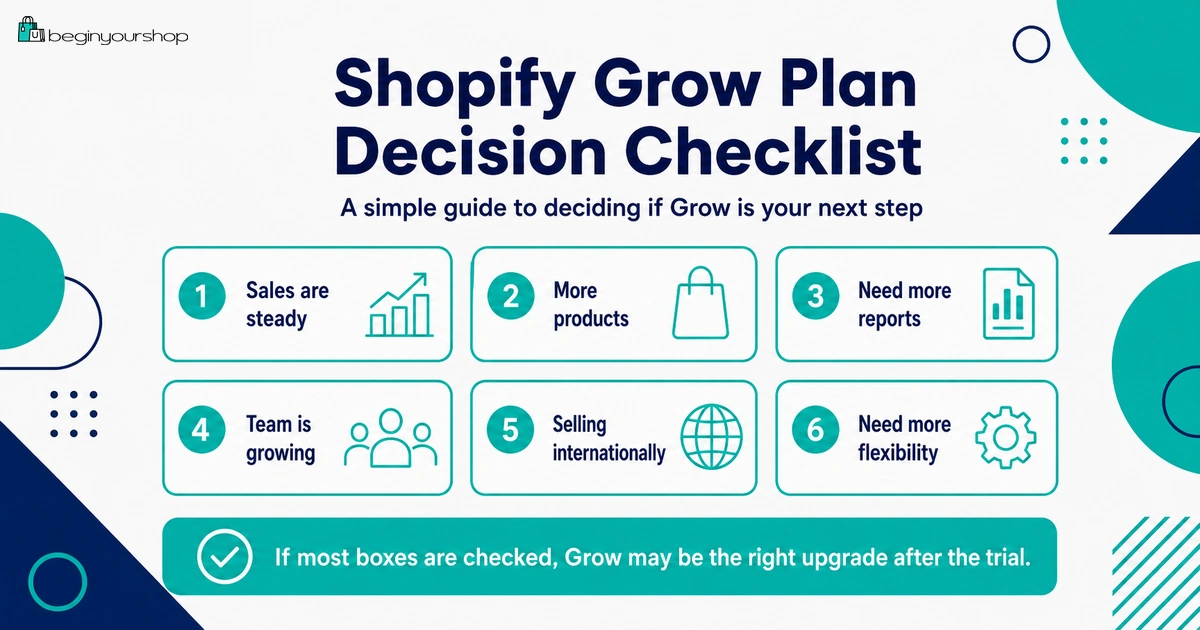
Use this checklist before upgrading to Grow.
| Question | Ready? |
|---|---|
| My store has consistent sales or clear near-term growth needs. | Yes / No |
| I need additional staff accounts beyond what my current plan supports. | Yes / No |
| I need stronger reports to make better business decisions. | Yes / No |
| I understand the difference in monthly subscription cost. | Yes / No |
| I have reviewed payment processing and third-party transaction fee differences. | Yes / No |
| I have estimated whether fee savings can offset the higher monthly cost. | Yes / No |
| I need international commerce tools for near-term growth. | Yes / No |
| My store fundamentals are already working well. | Yes / No |
| I know why Grow is better for me than Basic right now. | Yes / No |
| I know when Advanced would become worth comparing later. | Yes / No |
If most answers are “yes,” Grow may be worth serious consideration. If most answers are “no,” staying on Basic or improving store readiness first may be the better choice.
Common Grow Plan Mistakes
Mistake 1: Choosing Grow before launching
Grow is usually designed for growing businesses, not unfinished stores. Launch readiness matters before plan complexity.
Mistake 2: Upgrading without doing the math
Better rates can be useful, but only if sales volume makes them meaningful. Compare costs before upgrading.
Mistake 3: Paying for reports before having data
Reports are valuable when there is enough traffic and sales activity to analyze.
Mistake 4: Ignoring app costs
Even on Grow, paid apps can increase monthly cost. Review apps before upgrading plans.
Mistake 5: Thinking a higher plan creates sales
A higher plan does not replace product-market fit, good product pages, traffic strategy, or customer trust.
Mistake 6: Waiting too long to upgrade when the business needs it
The opposite mistake is also possible. If staff, reports, fees, or operations are clearly limiting growth, staying on Basic too long can create friction.
FAQ
What is the Shopify Grow plan?
The Shopify Grow plan is a paid Shopify plan designed for growing businesses with consistent sales that need more features than Basic, such as advanced reporting, additional staff accounts, international commerce tools, and more competitive rates and fees.
Who should use the Shopify Grow plan?
Grow is best for stores that have consistent sales, need additional staff accounts, need stronger reports, or can benefit from lower card rates and transaction fees compared with Basic.
Is Shopify Grow good for beginners?
It can be, but most beginners do not need Grow immediately. A brand-new store with no sales usually should start with a simpler plan unless there are clear staff, reporting, international, or fee-related reasons to choose Grow.
What does Grow add compared with Basic?
Grow includes the features of Basic and adds more competitive rates and fees, five user accounts, stronger reports, and international commerce tools.
How many staff accounts does Shopify Grow support?
Shopify’s Grow plan documentation says the Grow plan supports five user accounts.
Does Shopify Grow have better reports than Basic?
Yes. Shopify’s Grow plan documentation says Grow provides powerful reports to help plan for growth and understand sales and customers.
Does Grow have lower fees than Basic?
Shopify describes Grow as offering lower credit card rates and transaction fees than Basic. Exact rates vary by location, plan, and payment setup, so check Shopify’s current pricing page.
Should I choose Grow or Advanced?
Choose Grow if you need more than Basic but do not need Advanced-level features. Consider Advanced if you are high-volume, need the lowest transaction fees, need more staff accounts, need carrier-calculated shipping, or need more comprehensive reporting.
When should I upgrade from Basic to Grow?
Upgrade when consistent sales, staff access, reporting needs, international growth, or fee savings justify the higher monthly cost.
Can I downgrade from Grow later?
Shopify lets merchants change plans, but billing implications can vary. Review your Shopify admin and Shopify Help Center before changing plans.
Final Thoughts
The Shopify Grow plan is not usually the first plan a beginner needs. It is better understood as a growth-stage plan for stores that have consistent sales and need more than Basic can comfortably provide.
Grow may be worth it when additional staff accounts, stronger reports, international commerce tools, or more competitive rates and fees clearly support your business. But if your store is still unfinished, has no sales, or has no traffic plan, a higher plan will not solve the real problem.
Start with the plan that fits your current stage. Upgrade to Grow when your store has enough traction and operational need to justify it.
Next recommended guide: Shopify Pricing Explained